Hand Raise

Information and Workflow
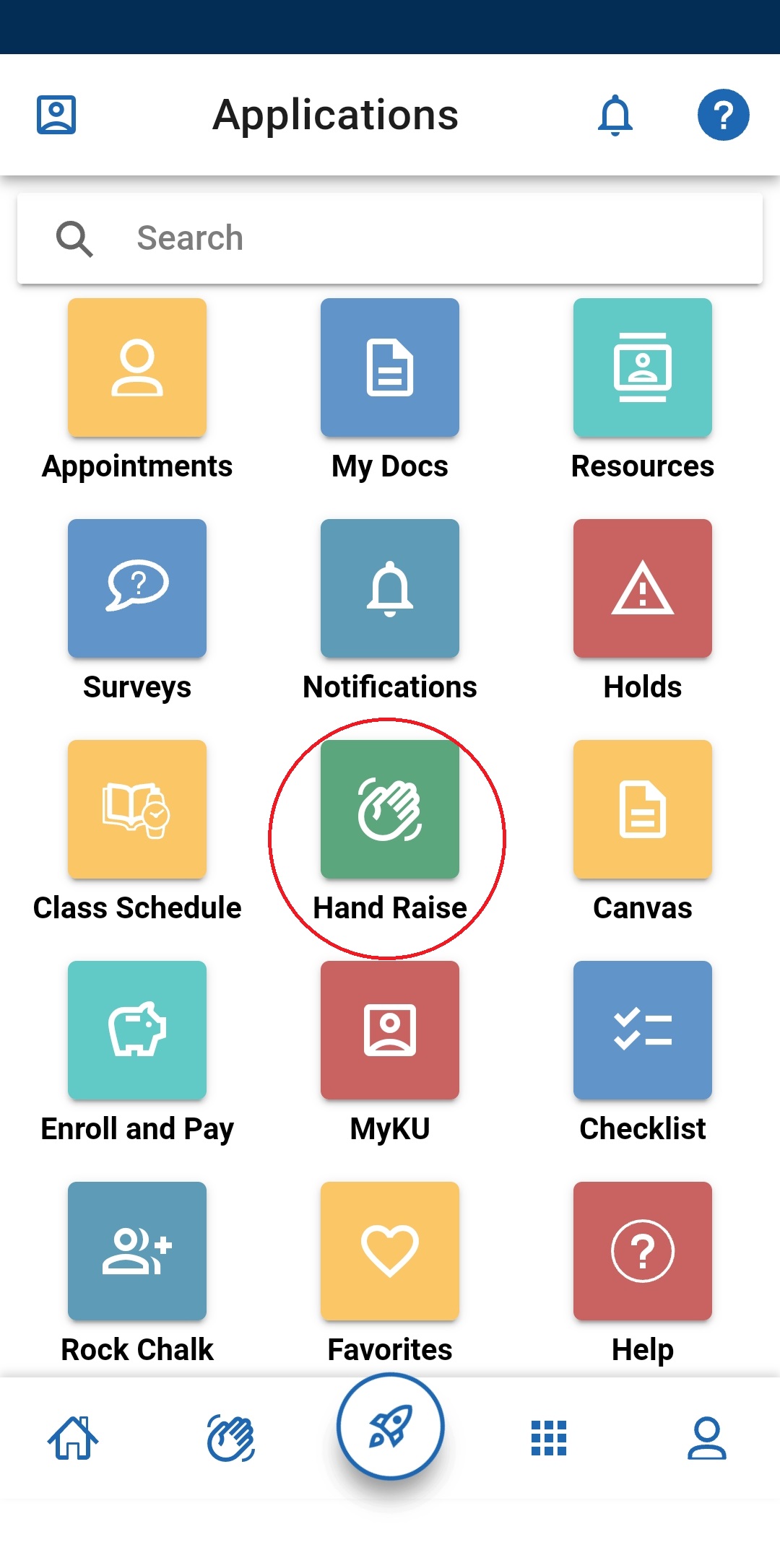
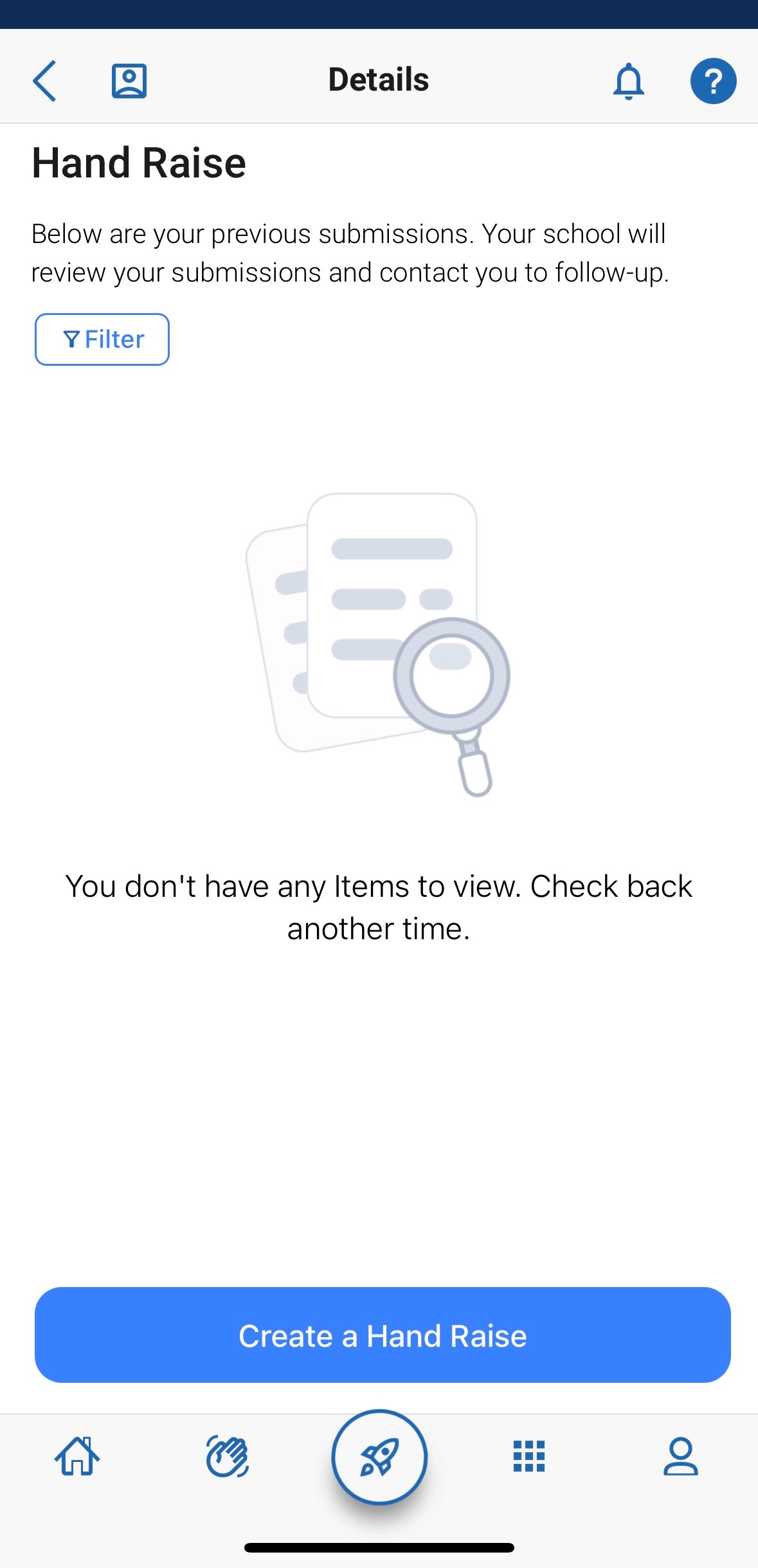
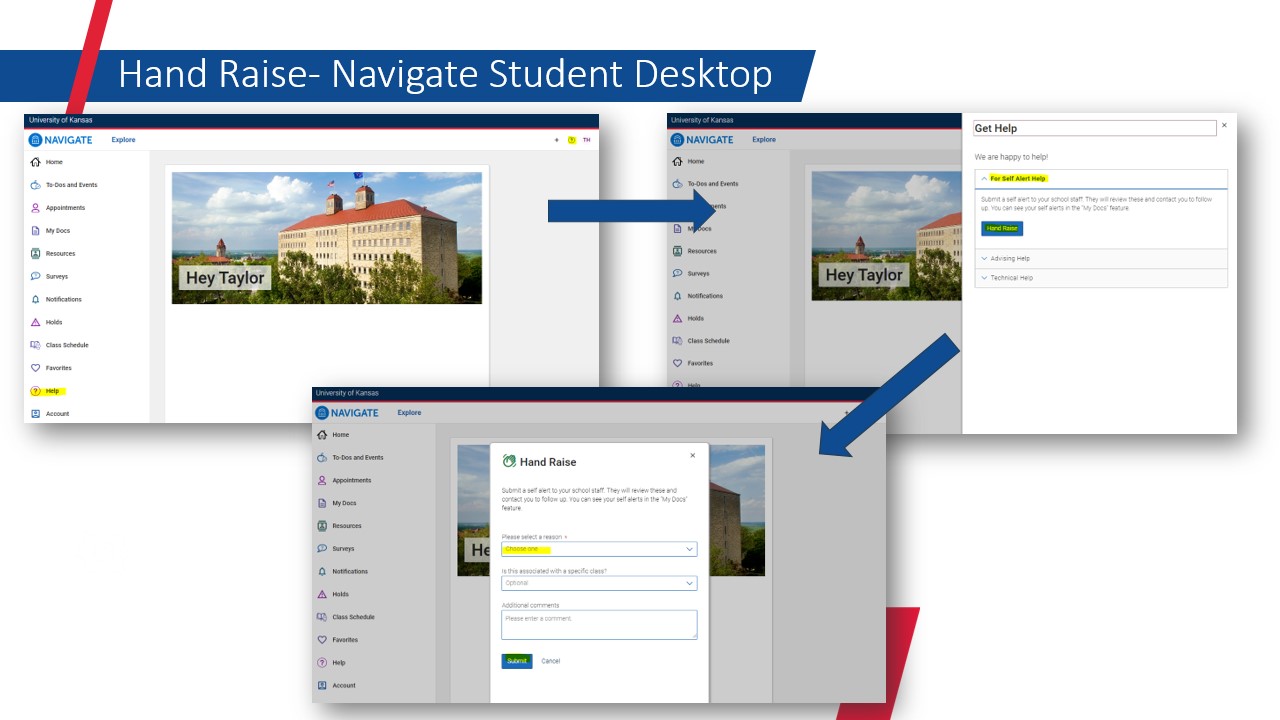
Hand Raise allows students to “raise their hand” by issuing alerts on themselves, using the Navigate360 Student app on desktop or mobile. The alert then follows a workflow to ensure a student gets connected to a resource.
Students
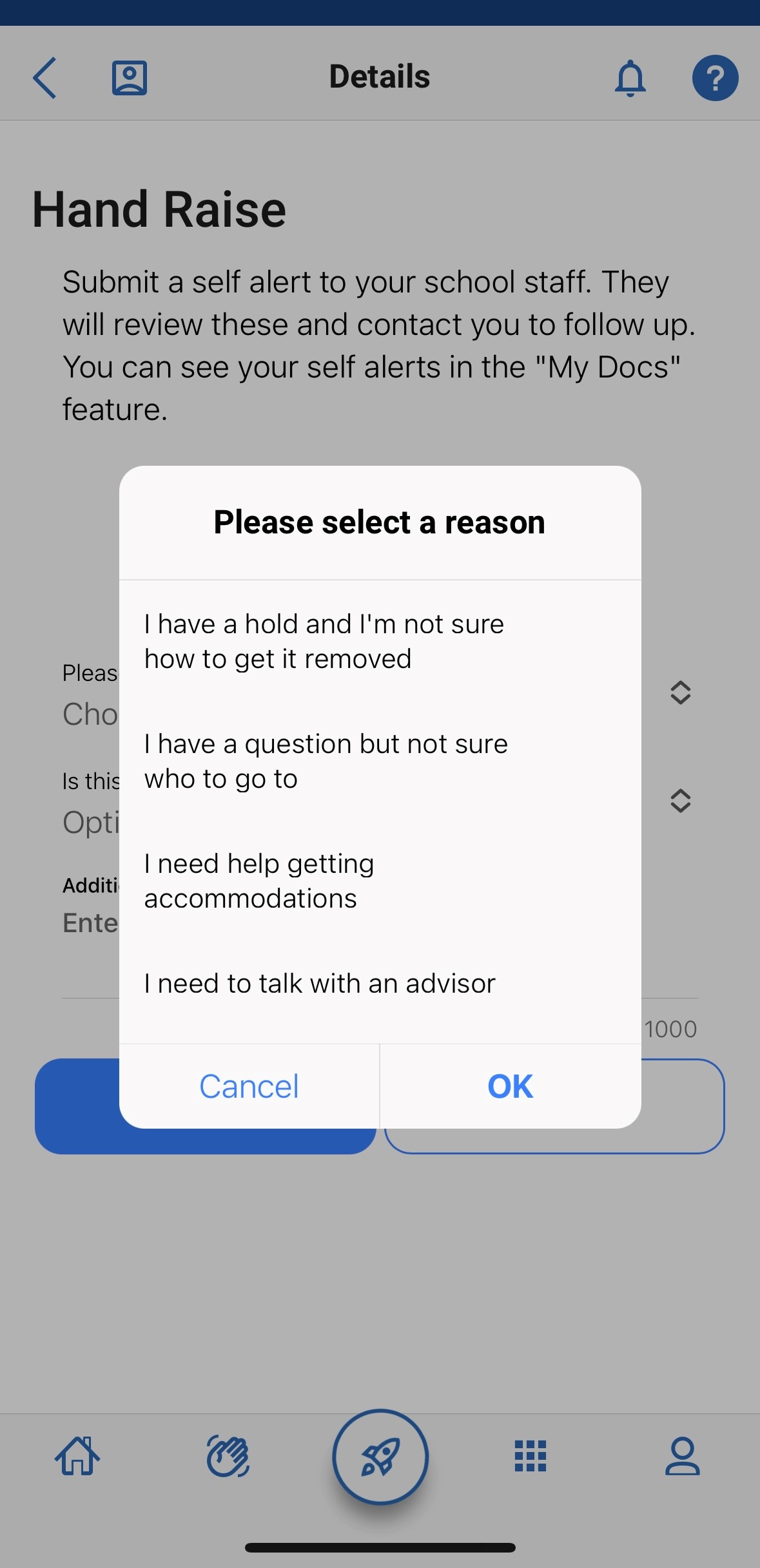
If you are looking for assistance, you can choose from the following options as of Fall 2024:
- I'm feeling overwhelmed. (This will connect you to your academic advisor for help.
- I need to talk to an advisor. (This will connect you to your academic advisor for help.)
- I want support with a writing project. (This will connect you to the Writing Center for help.)
- I'm interested in tutoring or peer-led study sessions. (This will connect you to the Academic Learning Center for tutoring, supplemental instruction, and/or academic coaching.)
- I have a question but I’m not sure who to go to. (This will connect you to the Hawk Link support team for help.)
- I have a hold and I'm not sure how to get it removed. (This will connect you to the Hawk Link support team for help.)
- I need help getting accommodations. (This will connect you to the Hawk Link support team for help.)
- I'm recently admitted and I'm not sure what to do next. (This will connect you to the Academic Success Navigator team for help.)
| Hand Raise Reason | Hand Raise Action |
|---|---|
| I'm feeling overwhelmed | This will connect you to your academic advisor for help. |
| I need to talk to an advisor | This will connect you to your academic advisor for help. |
| I want support with a writing project | This will connect you to the Writing Center for help. |
| I'm interested in tutoring or peer-led study sessions | This will connect you to the Academic Learning Center for tutoring, supplemental instruction, and/or academic coaching. |
| I have a question but not sure who to go to | This will connect you to the Hawk Link support team for help. |
| I have a hold and I'm not sure how to get it removed | This will connect you to the Hawk Link support team for help. |
| I need help getting accommodations | This will connect you to the Hawk Link support team for help. |
| I'm recently admitted and I'm not sure what to do next | This will connect you to the Academic Success Navigator team for help. |